The short version
- A QR code turns a simple sign into a preview of your sale, with photos, hours and directions.
- Shoppers decide to come when they see the big items. Put those photos first.
- Keep street signs large and simple, and put the code on flyers and a sign at the sale itself.
- Update the page during the sale: mark big items sold and post end-of-day deals.
On this page
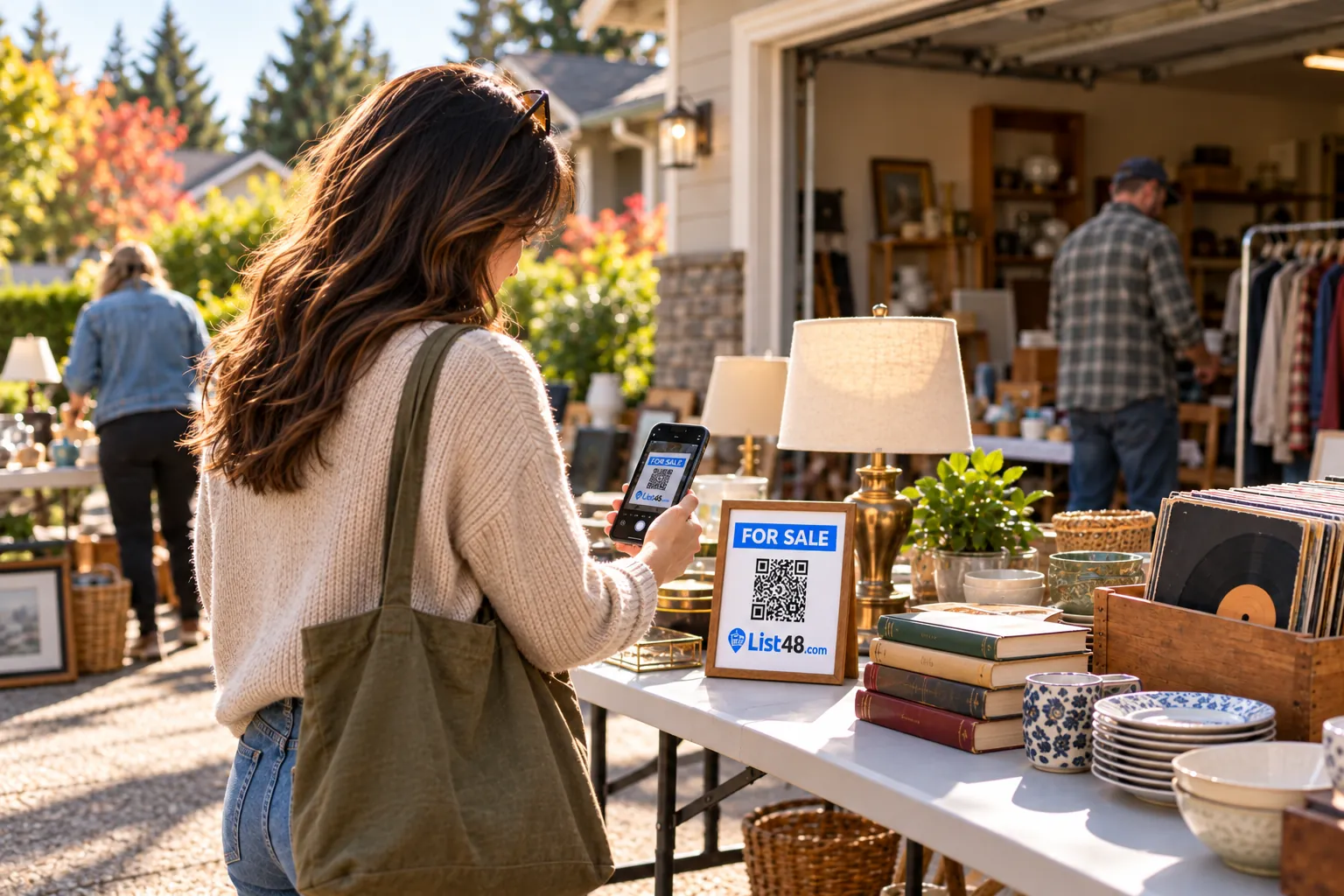
A garage sale lives or dies on who shows up. Signs bring in people who happen to drive by, but serious shoppers plan their route the night before. A QR code on your flyers and signs lets them see what you're selling, when you're open and exactly where to go, so your sale makes their list.
What the QR code should open
The page behind your code is your sale's preview. Give shoppers a reason to come.
- Photos of the best items. Furniture, tools, bikes, electronics, collectibles. Big items draw crowds.
- Dates and hours. Including whether early birds are welcome.
- The address and a directions button. One tap opens the route on their phone.
- Payment details. Cash only, or digital payments too.
- Categories. Kids' clothes, kitchen, books, sporting goods. People search with specific things in mind.
Where to put the QR code
| Where | What to include |
|---|---|
| Street and corner signs | "Garage Sale," a big arrow, the hours. Skip the QR code here: drivers can't scan it safely. |
| Flyers on community boards | Headline, dates, a photo and the QR code with tear-off tabs |
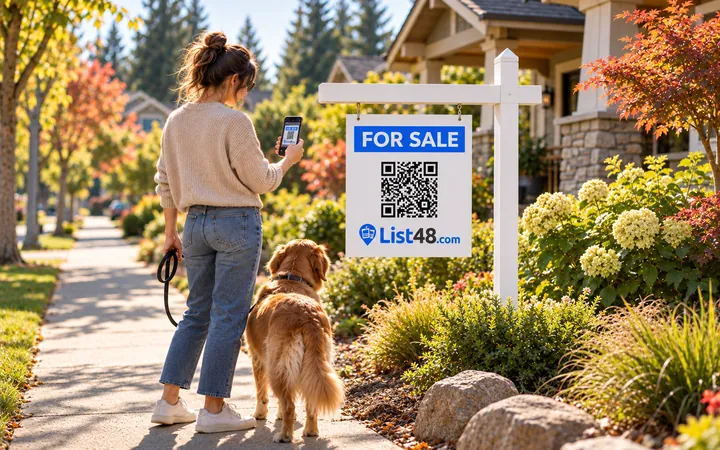
| A sign at the end of your driveway | The QR code, so walkers can check what's inside before they browse |
| Texts, posts and neighborhood groups | Your short link, with a photo of your best item |
Make your garage sale page and code
- Choose Yard & estate sales. The form asks for dates, hours and location, which are the details shoppers need.
- Photograph your best items. Set them out in good light the day before. Six to ten photos is plenty.
- Add your address and hours. A directions button is added automatically.
- Publish and print. Download the QR code, print the flyer with tear-off tabs and the large sign.
- Share the link. Post it in neighborhood groups and text it to friends a few days before the sale.
Use it during the sale
This is where a page beats paper. From your phone you can:
- Mark the couch or the bike as sold so nobody drives over for it
- Announce "Everything half price after noon"
- Add photos of items you forgot to put out
- Say you're closing early, or open a second day
Every QR code you printed shows the latest version automatically.
After the sale
Mark the listing as ended, and take down your street signs the same day, which many towns require. If you're holding another sale later in the season, you can put the same listing back up with new dates.
Common questions
What should a garage sale QR code link to?
A page with photos of your best items, the dates and hours, your address with a directions button, and whether you take cash only or also accept digital payments.
Should I put a QR code on street signs?
Street signs are read from a moving car, so keep them to "Garage Sale," an arrow and the hours. Put the QR code on flyers, community boards and a sign at the sale itself, where people are on foot.
Can I update the page during the sale?
Yes. Edit it from your phone to mark big items as sold, announce half-price hours or say you're closing early. The QR code stays the same.
Is it free?
Yes. The garage sale page, QR code, sign and flyer are all free.
Create yours free
Give your sale a page people can scan.
Create a free garage sale listing with photos, dates, hours and directions. Your QR code, printable sign and flyer are ready the moment you publish.
- Free
- No account needed
- QR code & flyer included