The short version
- A webpage lets shoppers see your best items, the hours and the map before they drive over.
- Plan the sale first: date, permit if your town requires one, pricing and setup.
- Share the page a few days ahead in neighborhood groups, texts and on community boards.
- Keep it updated during the sale, then reuse it next time with new dates.
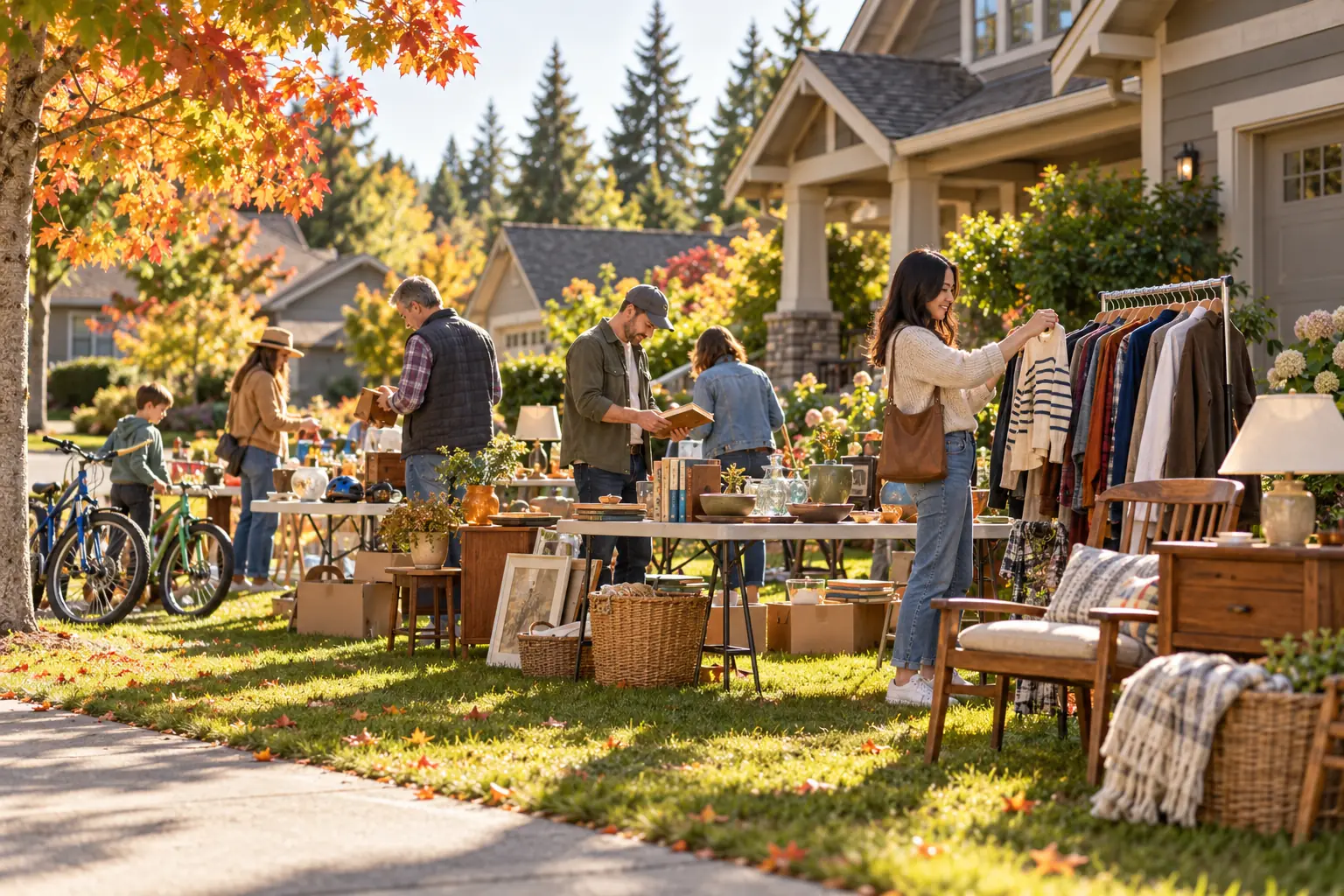
Signs on the corner still bring in shoppers, but the people who spend the most usually plan ahead. They check what's for sale the night before and map out a route. A yard sale webpage puts your sale on that list, with photos of your best items, the hours and one-tap directions.
Plan the sale
- Pick a date. Saturday mornings are the busiest. Avoid holiday weekends and check the forecast. A two-day sale catches people who work Saturdays.
- Check local rules. Some towns require a permit, limit the number of sales per year or restrict where signs can go. It takes five minutes to check.
- Sort and price. Group items by type and price everything before the sale. Colored stickers for price levels, such as $1, $5 and $10, make it fast.
- Gather supplies. Tables, a cash box with small bills and coins, bags, an extension cord for testing electronics, and a tape measure for furniture buyers.

Build the page
Your yard sale page is the preview that gets people in the car. Here's what to put on it.
- A clear headline. "Multi-family yard sale: furniture, tools, kids' clothes" beats "Yard sale."
- Dates and hours. And whether early birds are welcome.
- Your address. A directions button opens the route on shoppers' phones.
- Photos of the big items. Furniture, bikes, tools, electronics and anything collectible.
- A category list. People search for specific things, like baby gear, books or camping equipment.
- Payment and parking notes. Cash only or digital payments too, and where to park.
Get the word out
| When | What to do |
|---|---|
| Four to five days before | Share your link in neighborhood groups and community pages. Post flyers on local bulletin boards. |
| The evening before | Share again with a photo of your best item. Put up directional signs if your town allows it. |
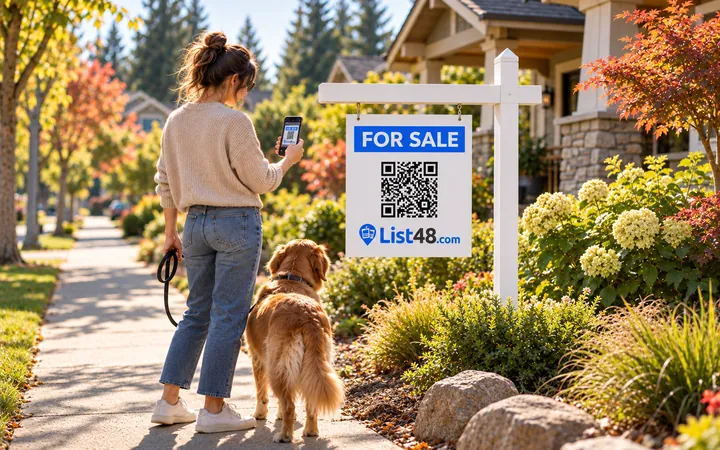
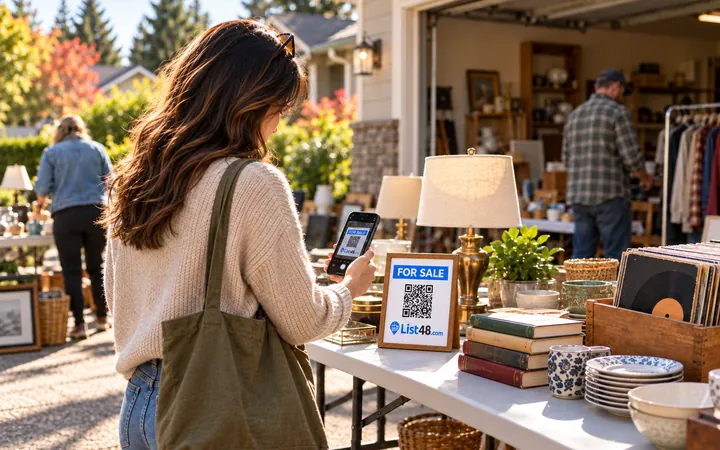
| The morning of | A quick "we're open" post with the link. Put a QR code sign at the end of the driveway. |
| Midday | Update the page with deals, like "Everything half price after noon." |
Signs that work
Street signs are read at 25 miles per hour. Keep them bold and short: "YARD SALE," a big arrow and the hours. Use the same color for every sign so people can follow the trail. Save the QR code for flyers and a sign at the sale itself, where people are on foot and can scan safely.
After the sale
- Mark the listing as ended so nobody shows up the next day
- Take down every sign you put up, the same day
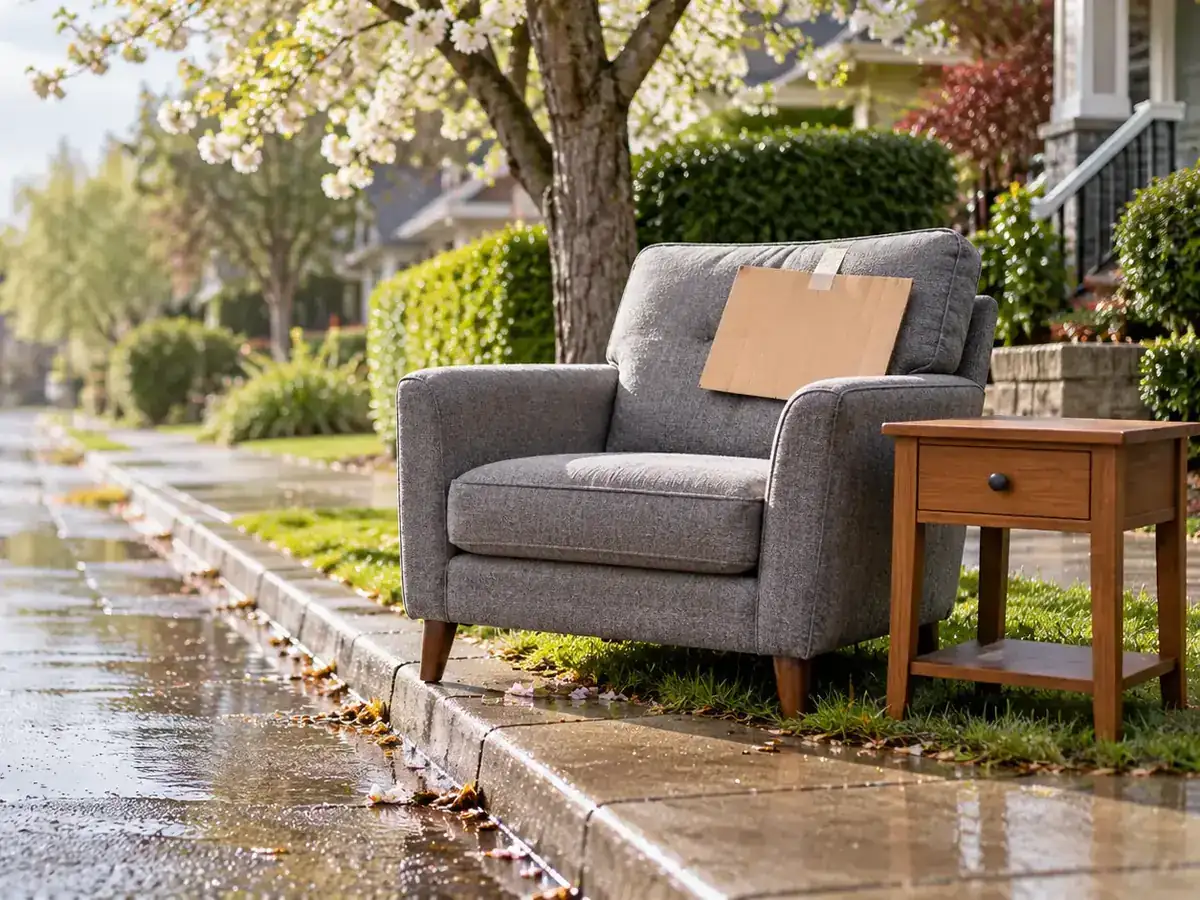
- Post leftover larger items as their own listings, or list them as free
- Donate the rest. Many charities will schedule a pickup
Planning another sale? Put the same page back up with new dates, and your link and QR code keep working.
Common questions
What should a yard sale webpage include?
Dates and hours, the address with a directions button, photos of your best items, a list of categories, and payment details. A note on early birds and parking helps too.
When should I share my yard sale page?
Three to five days before the sale, then again the evening before and the morning of. Most shoppers plan their route the night before.
Do I need a permit for a yard sale?
Some cities and neighborhoods require a permit or limit how many sales you can hold a year, and many restrict where signs can go. Check your city's website or homeowners association rules before you set a date.
Can I use the same page for my next sale?
Yes. Put the listing back up with new dates and photos, and your link and QR code keep working.
Create yours free
Your sale, on one page your whole neighborhood can open.
Create a free yard sale page with photos, dates, hours and directions. Share the link, print the sign and flyer, and update it right from the driveway.
- Free
- No account needed
- QR code & flyer included