The short version
- A QR code turns a sign with room for one line into a full listing with photos and contact buttons.
- Make the code big enough for the distance: about one inch of code for every 10 inches of scanning distance.
- Add a clear prompt like "Scan for photos and price" right beside the code.
- Link to a page you can edit, so the sign never needs reprinting.
On this page
A for sale sign has one job: get the attention of people passing by. It has room for maybe five words and a phone number. Everything else, like photos, the price, condition and details, gets lost. Adding a QR code changes that. One scan and people see the whole listing on their phone, without having to call a stranger to ask.
Where QR code signs work best
| What you're selling | Sign |
|---|---|
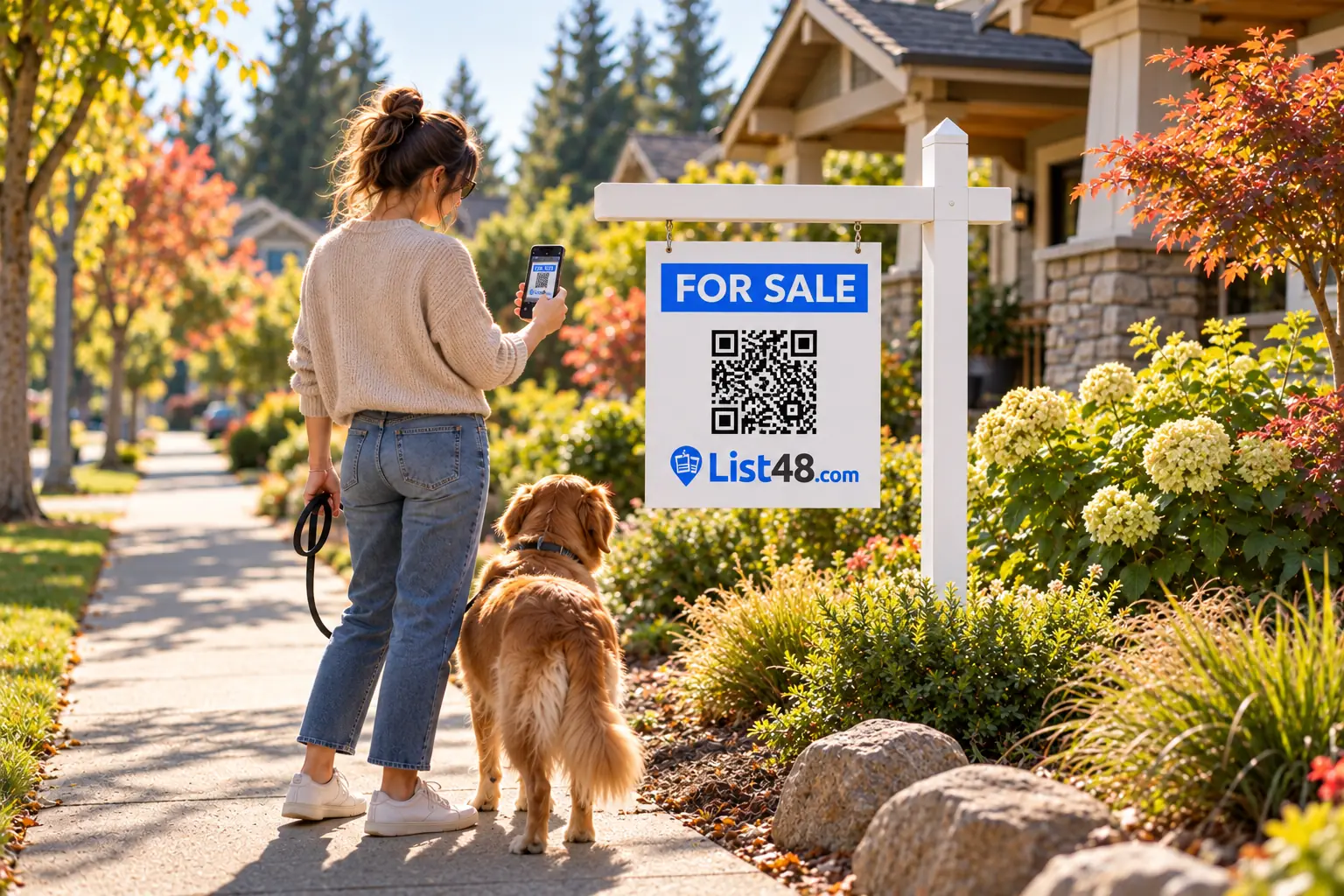
| A home, lot or rental | A yard sign at the property |
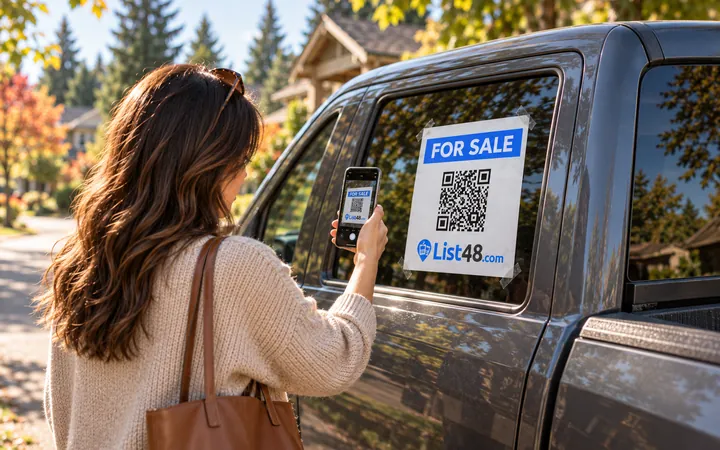
| A car, truck, boat or RV | A window sign or decal on the vehicle |
| Furniture, equipment, a trailer | A sign taped to the item where people can see it |
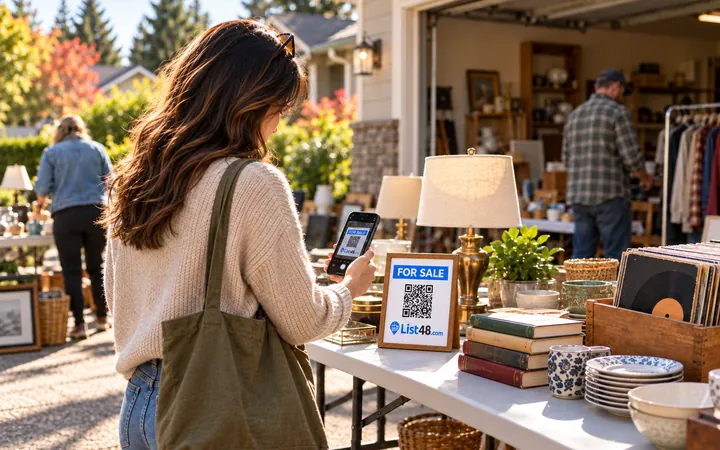
| A garage or estate sale | A sign at the end of the driveway |
| A business special or event | A window sign or counter card |
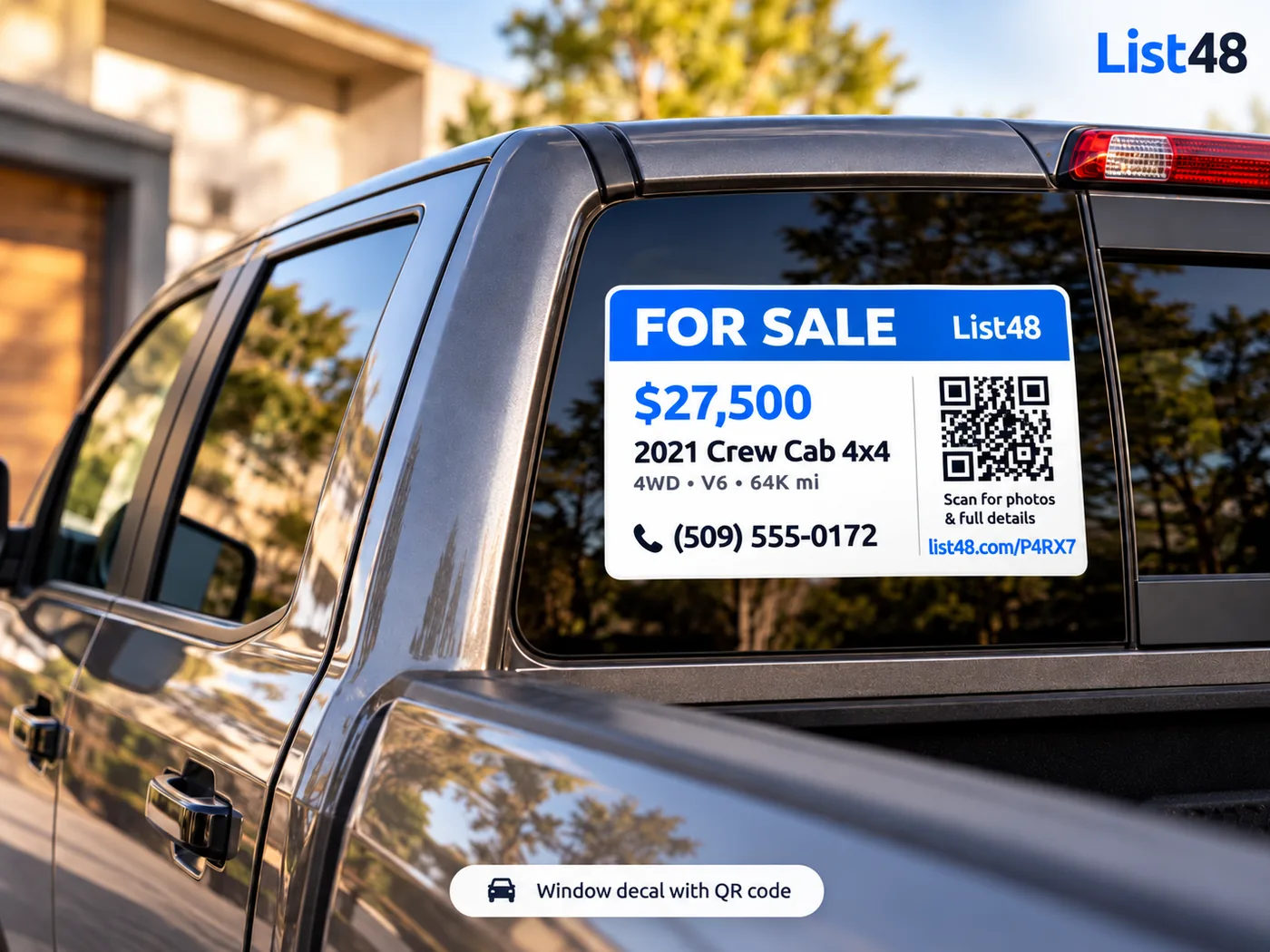
Design a sign that gets scanned
- Lead with the headline. "For Sale," "For Rent" or "Open House" in the largest text.
- Add the price. Signs with prices get more scans, because people know it's worth their time.
- Size the code for distance. About one inch of code for every 10 inches of scanning distance, with a white border around it.
- Tell people what they'll get. "Scan for photos and price" right next to the code.
- Print the short link too. Some people would rather type a short address than scan.
Link the code to a page you control
The code is only as good as what it opens. If it points to a post that gets deleted or a photo album that's hard to browse, you've lost the buyer. Point it at a listing page that:
- Stays at the same address until you're done selling
- Shows every photo and the full description
- Has call, text and directions buttons
- Can be edited any time without changing the code
With List48, the QR code opens your listing's short link. Change the price, swap photos or add details, and every sign you've printed shows the update automatically.
Print it yourself, or order a real sign
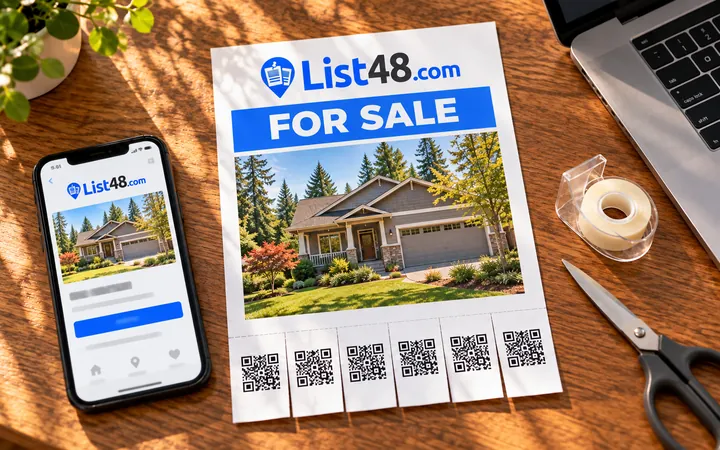
For a quick sale, print the window sign or flyer on any home printer. For something that will be up for weeks, or outdoors, a weatherproof sign looks better and lasts:
- Yard signs with a stake, for homes, lots and rentals
- Window decals for vehicles and storefronts
- Door magnets for work trucks and service vehicles
- Banners for events and fences
List48 sign kits are printed from your listing, with your QR code, and ship free.
Check your scans
Your listing counts scans separately from other visits. Lots of scans but few calls usually means the price or photos need work. Few scans means the sign needs to be bigger, closer to where people walk, or easier to read.
Common questions
How big should a QR code be on a sign?
A good rule of thumb is one inch of code for every 10 inches of scanning distance. For a window sign read from 3 feet away, about 3 to 4 inches is right. For a yard sign read from the sidewalk, 6 inches or more.
What should a QR code on a for sale sign link to?
A page with every photo, the price, the key details and one-tap buttons to call, text or get directions, at an address that won't change.
Will my QR code still work if I change the price?
Yes. The code opens your listing page, and the page shows whatever you last saved. The code itself never changes.
Can I track how many people scan my sign?
Yes. List48 counts QR code scans separately from other visits, so you know how well each sign is working.
Create yours free
Make a for sale sign that shows everything.
Create a free listing for whatever you're selling. You get a QR code, a printable sign and a short link, and every scan is counted.
- Free
- No account needed
- QR code & flyer included