The short version
- A QR code links a printed sign or flyer to your full listing online.
- Posts on buy and sell sites can expire, get buried or require an account to view.
- Point your QR code at a page you control, then link to it from wherever else you post.
- Follow each site's rules: where links aren't allowed, use your listing code if permitted, or share your link when people message you.
On this page
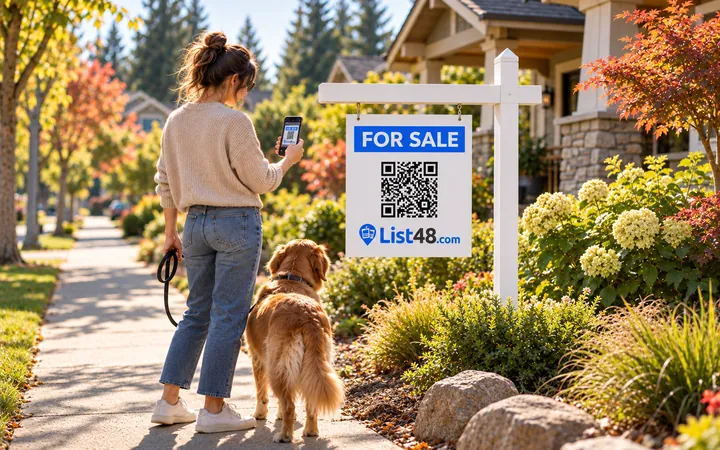
You've posted your item online. Now you want to put up a flyer at the grocery store, a sign in the car window or a card on the office bulletin board, with a QR code so people can see the full listing. It sounds simple, but there's a catch that trips up a lot of sellers.
The problem with linking straight to a post
A QR code is just a printed web address. If you point it at a post on a buy and sell site, several things can break it:
- Posts expire. Many sites remove or archive listings after a set number of days.
- Some require an account. People who scan may hit a sign-in screen instead of your photos.
- Addresses change. If you repost to bump your listing, the old address, and your printed code, may stop working.
- Long addresses make dense codes. Long links produce busy QR codes that are harder to scan from a distance.
Once a code is printed, you can't change where it goes. So it pays to point it somewhere that won't change.
The better way: one page in the middle
Create a listing page you control, with every photo, the price and your contact buttons, and point the QR code there. Then use that page's link in your online posts too.
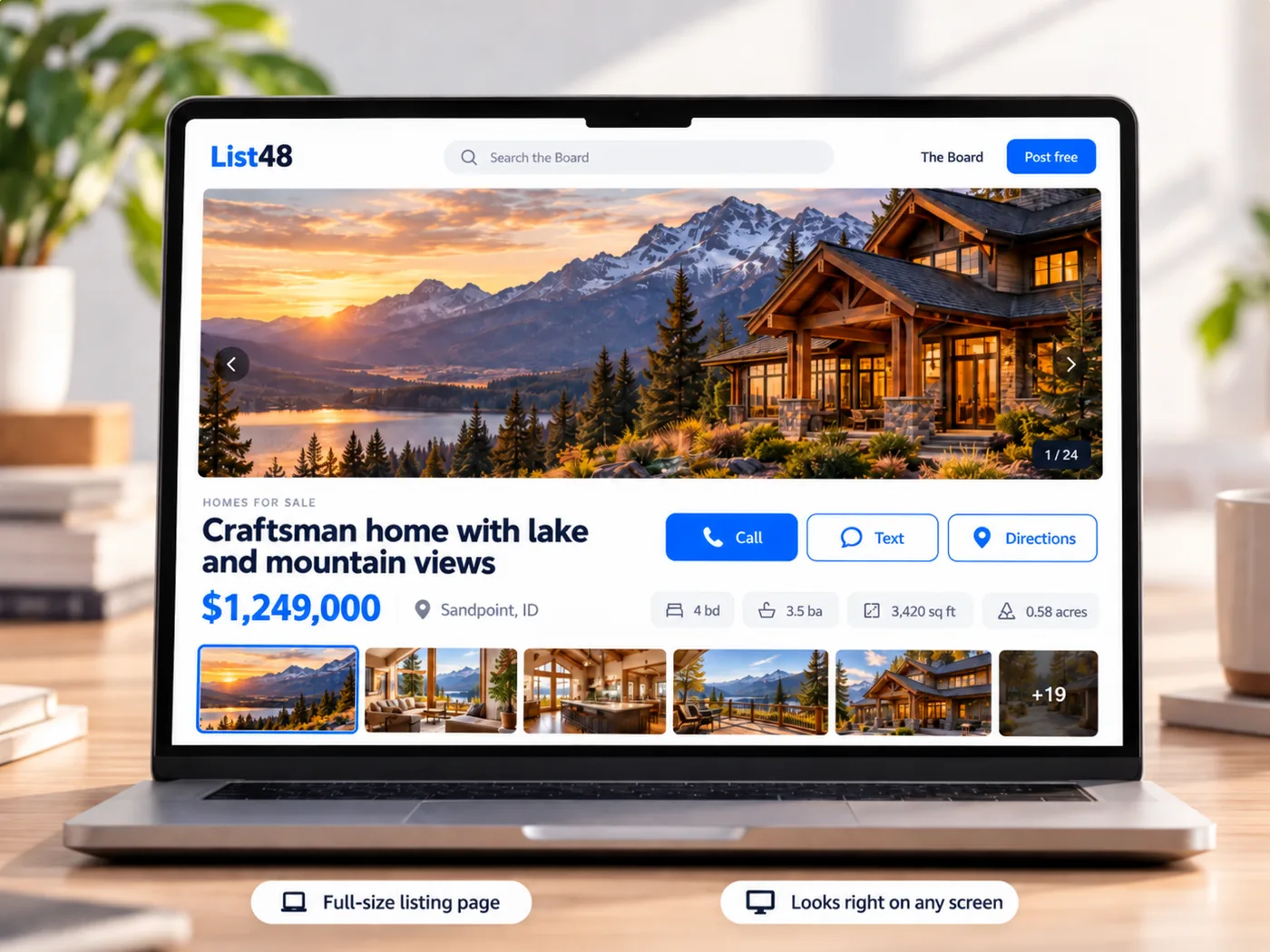
- Create your listing. Add your photos, price, details and contact information. You can copy the description from your existing post.
- Get your QR code. Download it as a PNG for screens or an SVG for sharp printing at any size.
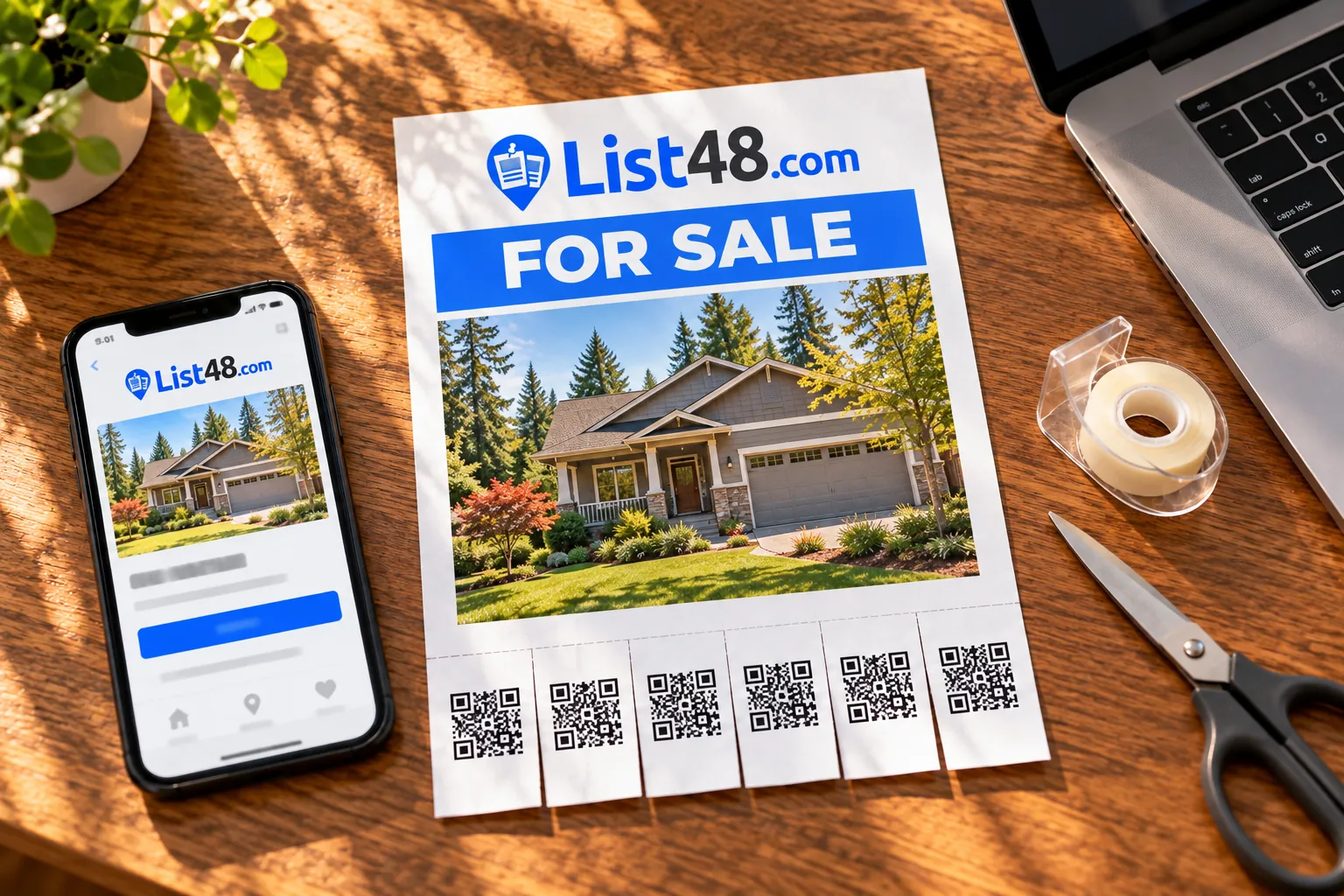
- Print a flyer or sign. Use the ready-made flyer with tear-off QR tabs or the large window sign.
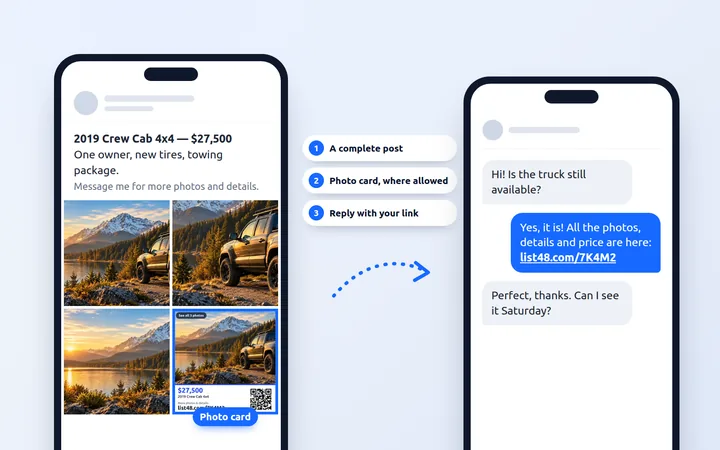
- Add the link to your online posts. Where links are allowed, paste your short link. Where they aren't, follow the site's rules: include your listing code if it's permitted, or share your link when people message you.
Why this works better
| QR code to a post | QR code to your listing page | |
|---|---|---|
| When a post expires | The code breaks | Keeps working |
| Change the price | Depends on the site | Edit once, updates everywhere |
| Sign-in required to view | Sometimes | Never |
| Scan counts | Usually no | Yes |
| Call and text buttons | Varies | Always |
Make the code easy to scan
- At least 2 inches (5 cm) square on a flyer, larger on signs read from a distance
- Dark code on a light background, with a white border around it
- A short prompt beside it, such as "Scan for photos and price"
- The short link printed underneath, for people who'd rather type
Where links aren't allowed
Many buy and sell sites limit links to other websites in posts, and those rules are there to protect their members. Follow them. Every List48 listing has a five-character code, such as 7K4M2. Where a site allows it, a line like "Full photos and details: List48 code 7K4M2" lets anyone type the code on List48 to open your listing. Where it doesn't, post your photos and description, and share your link when people message you. Our guide to sharing your listing on buy and sell sites the right way covers this in detail.
Keep it current
When the price drops, update your listing once. The QR code, the short link and the short code all open the new version. When it sells, mark it sold, and anyone who scans an old flyer sees that it's gone instead of a dead end.
Common questions
Can I make a QR code that opens a post on a buy and sell site?
You can, but it may stop working when the post expires, is removed, or requires people to sign in. A QR code pointing to your own listing page keeps working as long as you want it to.
What if a site doesn't allow links in my post?
Follow the site's rules. Where it's allowed, you can include your List48 listing code, which people can type on List48 to open your listing. Otherwise, post your photos and description and share your link when people message you.
Is a QR code generator enough on its own?
A plain QR code only stores an address. If that address changes or the post disappears, the printed code breaks. Linking the code to a page you can edit keeps it working and lets you update the details.
Can I track scans?
Yes. List48 counts QR code scans separately from other visits, so you know how many people found your listing from print.
Create yours free
One QR code for everywhere you post.
Create a free listing page with your photos, price and contact buttons. Use its QR code on flyers and signs, and its link or listing code wherever the site's rules allow.
- Free
- No account needed
- QR code & flyer included