The short version
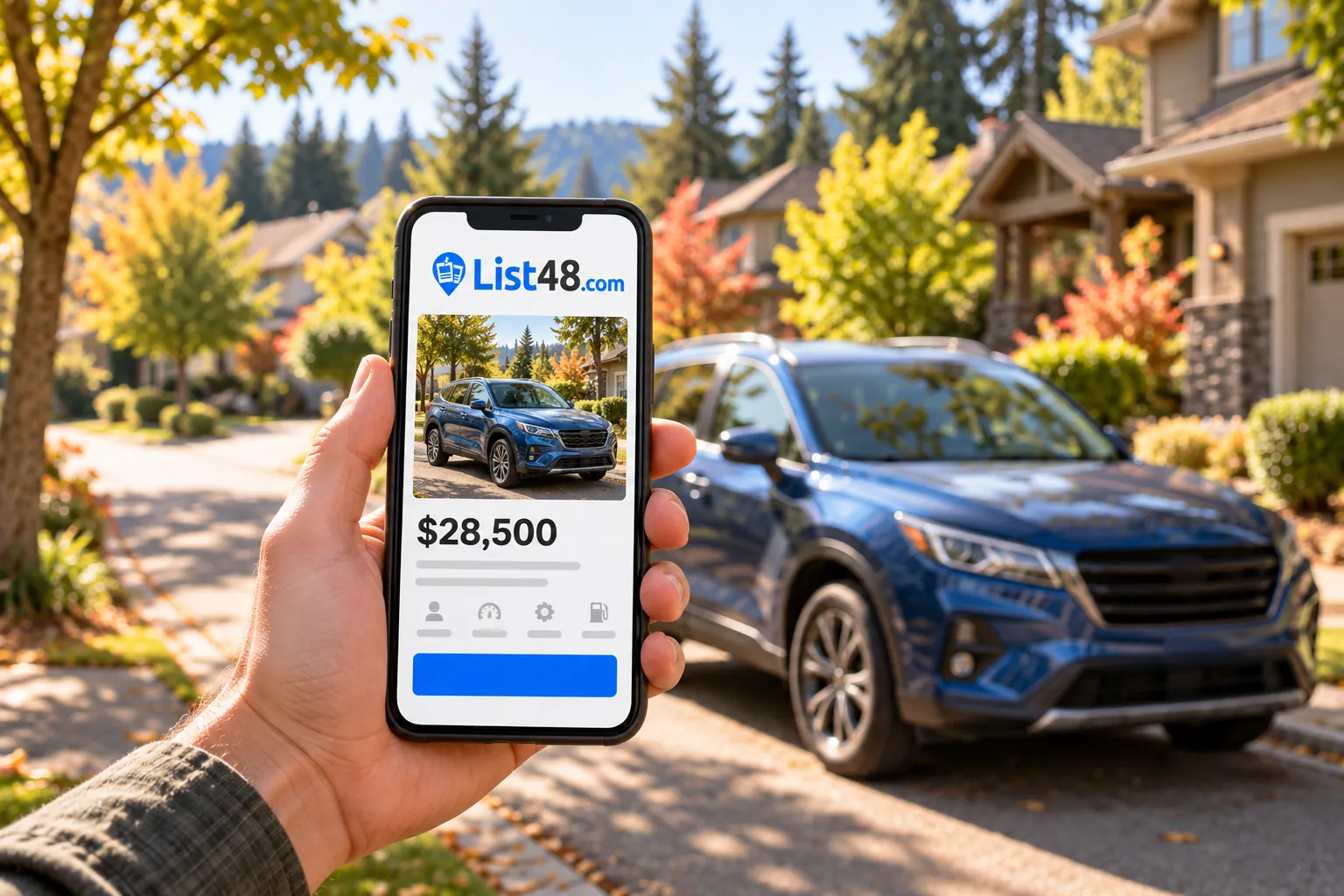
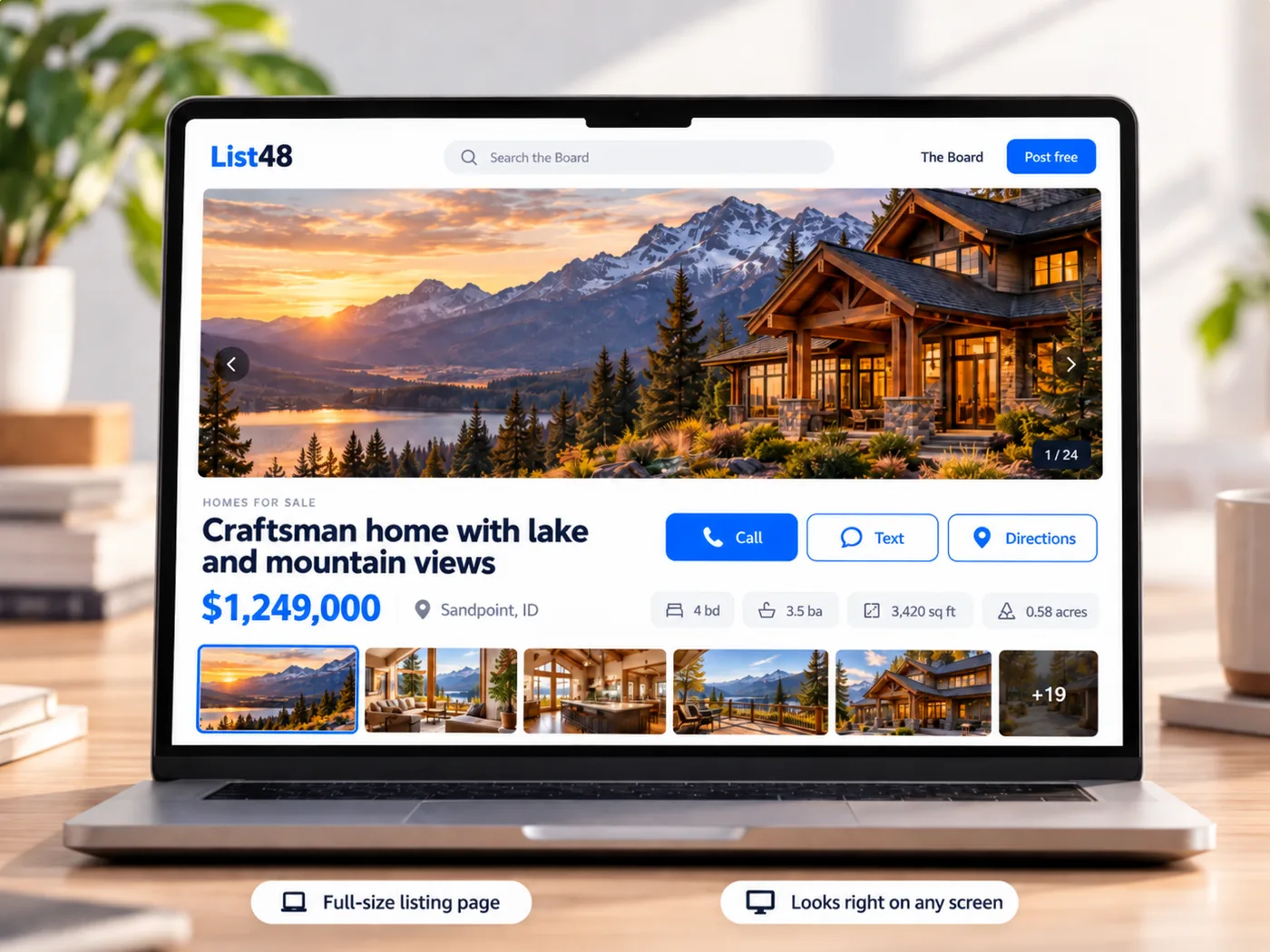
- A dedicated page holds everything a short post can't: every photo, the specs, the history and your contact buttons.
- You share one link, and the same page works in texts, posts, email, flyers and window signs.
- Buyers can call, text or get directions with one tap, with no account or app needed.
- Update the price once and every link and QR code shows the new price.
On this page
When you sell a vehicle, the details are what close the deal: mileage, trim, service history, tire condition, title status and a dozen clear photos. Most places people post give you room for a line or two and a few pictures. A dedicated listing page solves that. Everything lives in one place, and you share it with a single link.
Why a dedicated page beats a quick post
Quick posts are great for getting attention, but they make buyers work. They message you with the same five questions, scroll past photos that got cropped, or lose the post entirely a day later.
| Quick post | Dedicated listing page |
|---|---|
| A few photos, often cropped | A full photo gallery |
| Details buried in text | Specs laid out in an easy-to-scan list |
| Disappears as new posts appear | Stays at the same address until it sells |
| Hard to update everywhere | Edit once and every link updates |
| Links not allowed in some places | A short code works where links don't |
You don't have to choose. Keep posting where your buyers are, and add your listing link so the people who are interested can see everything.
What your vehicle page should include
The headline and price
Lead with year, make, model and trim, plus one standout detail if you have one, such as "one owner," "new tires" or "towing package." Put the price front and center. Listings without a price get fewer serious inquiries.
The specs buyers filter by
- Mileage, drivetrain, engine and transmission
- Title status and number of owners
- Exterior and interior color
- Fuel type and, for trucks and RVs, towing or sleeping capacity
Photos in a logical order
Start with the front three-quarter view, then work around the vehicle: sides, rear, interior, dashboard with mileage, cargo area, engine and tires. Finish with close-ups of anything you mention in the description.
An honest description
Two or three short paragraphs are plenty. Cover how you used the vehicle, recent maintenance, anything that's new, and any known issues. Being upfront saves you from wasted showings and builds the trust that gets a fair price.
How to reach you
Add a phone number for call and text buttons, and say when you're available to show it. If you'd rather not share your number publicly, you can use email only.
Set it up in a few minutes
- Choose Vehicles. The form asks for the details vehicle buyers look for, and leaves empty fields off the finished page.
- Add photos. Upload straight from your phone. The first photo becomes the main image and the preview picture when you share the link.
- Fill in the details and price. Write your description and list what's new or included.
- Preview and publish. You see the finished page before it goes live. Confirm your email once and it's published.
- Share it. Copy your short link, download the QR code, print the flyer, or use the ready-to-paste text for different places.
Where to share your link
- Texts and group chats. Friends and family are often the fastest path to a buyer.
- Social posts and community groups. Post a photo and a short description, then add your link for the full listing.
- Local buy and sell sites. Where links aren't allowed, include your short code so people can look it up.
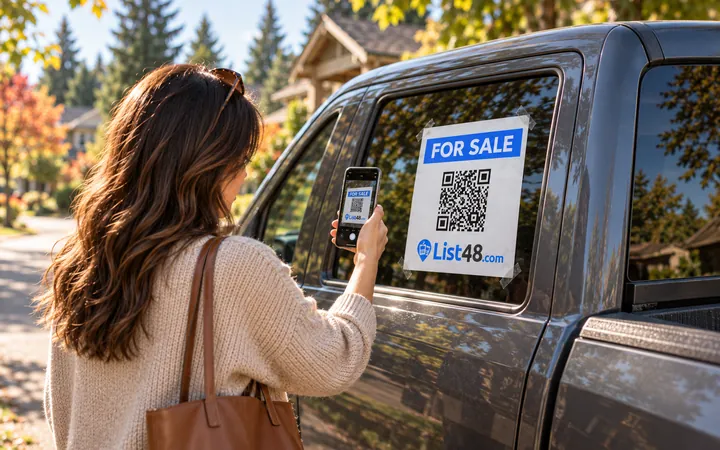
- The vehicle itself. A window sign with a QR code turns every parking lot into a showroom.
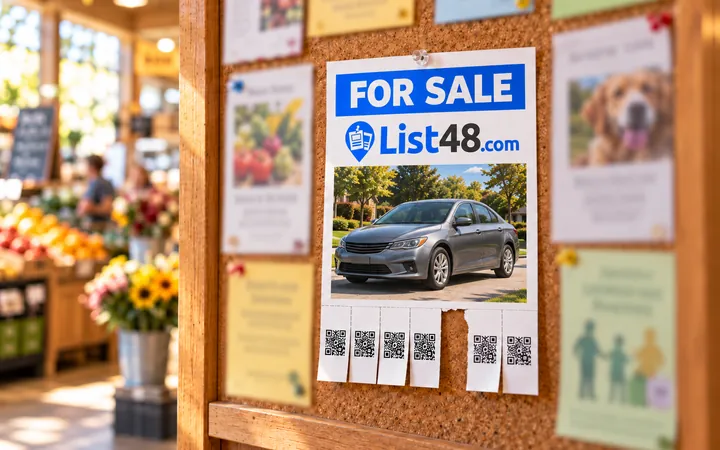
- Bulletin boards. A printed flyer with tear-off QR tabs works at stores, gyms and workplaces.
Keep it current
If you drop the price or add new photos, edit the listing once and the change appears everywhere, including every printed QR code. You can see how many people viewed it, scanned the QR code and tapped call or text. When it sells, mark it sold so the calls stop.
Common questions
Is the vehicle listing page really free?
Yes. Creating, publishing and sharing a listing page is free, including the short link, the QR code, the printable flyer and the share image. There is no commission when your vehicle sells.
Do buyers need an account or an app to see it?
No. Anyone can open the link or scan the QR code and see the whole listing in their phone's browser.
Can I change the price after I share the link?
Yes. Edit the listing from your private manage link and the change shows everywhere right away, because every link and QR code points to the same page.
What kinds of vehicles can I list?
Cars, trucks, SUVs, vans, motorcycles, ATVs, RVs, campers, boats and trailers all use the vehicle listing form, which asks for the details buyers look for.
How long does the listing stay up?
Until it sells. Every so often we email you to confirm it's still available, and you can mark it sold with one click.
Create yours free
Your vehicle deserves more than a two-line post.
Create a free listing page with every photo, the specs, the price and call or text buttons. Share one link everywhere and update it any time.
- Free
- No account needed
- QR code & flyer included